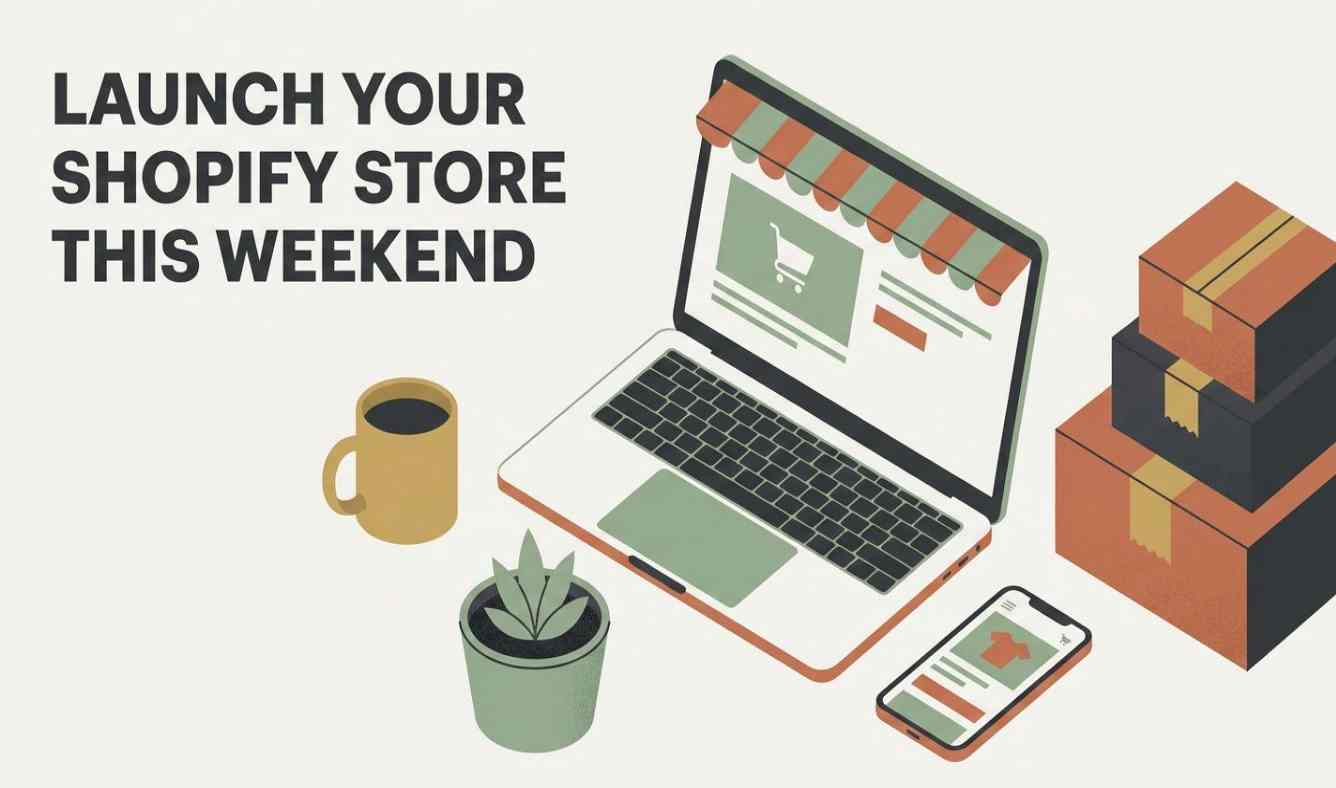
You don’t need three months and a design degree to get a store online. You need a free evening, a coffee, and a list of decisions you’ve already made before you log in.
That last part is where most side hustlers get stuck. They open Shopify with no plan, spend four hours picking a theme, and quit somewhere around the font selection screen. The setup isn’t hard. The indecision is.
So here’s the sequence. Work it in order, don’t skip ahead, and you’ll have a live store by Sunday night.
Before You Touch Anything: Decide What This Store Is For
Sounds obvious. Almost nobody does it.
Are you selling physical products? Digital downloads? Print-on-demand? Are you building a place to send Pinterest traffic, or a checkout page for people who already found you on Etsy?
Write one sentence: “This site exists to ______ for ______.”
That sentence is going to save you hours. When you’re deciding whether you need a blog, a testimonials section, or a lead capture pop-up, you just check it against the sentence. If it doesn’t serve the sentence, it’s a v2 problem.
Time: 15 minutes. Do it on your lunch break.
Step 1: Start the Trial and Skip the Perfectionism
Shopify runs a three-day free trial, then a discounted first stretch after that — cheap enough that you’re not betting the rent on an experiment. You need an email address and roughly the idea of what you’re building. That’s it.
You do not need a domain yet. You do not need a logo. You do not need product photos.
Sign up. Get the admin dashboard open. Set your store name, currency, and time zone under Settings. Move on.
The single most useful thing here is not fighting the setup wizard. It walks you through the basics in an order that makes sense. Let it.
Time: 20 minutes.
Step 2: Pick a Theme in Under 30 Minutes
Here’s the trap: the Shopify Theme Store has well over a hundred themes, free and paid, and you can burn an entire Saturday comparing them.

Don’t.
A few rules that keep this fast:
Ignore colors and fonts entirely. You can change every one of those later in the theme editor. Judging a theme on its demo color scheme is like rejecting an apartment because you don’t like the previous tenant’s couch.
Judge on structure and features instead. Big catalog? You want a theme with a proper search bar. Two products and a story? You want something with generous image space. Match the theme to what you actually have, not what you hope to have in two years.
Check the mobile view. Most of your traffic is going to be someone scrolling on their phone during a commercial break. If it looks bad there, nothing else matters.
Remember you’re not married to it. Themes swap out without rebuilding your pages. Back up your store first (duplicate it from your admin), then experiment freely.
Start with a free theme. Genuinely. Upgrade when the store has made enough money to justify it.
Time: 30 minutes, and set a timer.
Step 3: Sort the Domain (Or Don’t, Yet)
You can launch on a free Shopify address — the yourstore.myshopify.com format. It works. Orders process. Money arrives.
But a custom domain is cheap, and it does two things worth having: it makes you look like a real business, and it gives you a shot at ranking for keywords in your niche.
Quick guidance:
- Short beats clever. Clever beats long.
- If your first choice is gone, add a word rather than a weird spelling —
storenameshop.comreads better thanstohrname.com - Alternative extensions like
.shopare fine now, no stigma - Watch renewal pricing. Some registrars advertise a rock-bottom first year and quietly triple it after. Look at the three-year cost, not the sticker price.
You can buy and manage the domain right inside Shopify, which saves you juggling a second account and DNS records at 11pm. If you already own a domain elsewhere, connecting it is a settings-menu task, not a project.
One warning: changing your domain after your site has been indexed causes real SEO pain. Pick something you can live with.
Time: 30 minutes.
Step 4: Build Only the Pages You Actually Need
This is where scope creep kills weekend launches. You need six pages. Six.
Homepage. Point people at your best product or your current offer. Not your life story. One clear thing to click.
Product pages. One per product, each with a title, description, price, and a decent photo. Group them into collections as you go — Shopify can auto-sort products into collections based on title keywords, which is genuinely useful once you have more than a dozen listings.
Contact page. A form. Maybe an email address. Done.
FAQ page. This one earns its keep. Every question you answer here is an email you don’t have to send at 7am before work. Shipping times, sizing, returns, processing time.
About page. People buy from people, especially in the handmade and POD corners of the internet. Two paragraphs about why you make what you make will outperform anything you write about “quality” and “passion.”
Policy pages. Refund policy, shipping policy, privacy policy, terms. Shopify has free generators for these — fill in the blanks and move on. These aren’t optional and they’re not worth agonizing over.
That’s the whole site. Blog posts, buyer’s guides, testimonials, press pages — all good things, all v2 things.
Time: 3–4 hours, depending on how many products you’re loading.
Step 5: Turn On Payments (This Is the Part That Matters)
A beautiful store that can’t take money is a portfolio.
Shopify Payments is built into every plan and handles credit cards without a third-party app. Go to Payments in your admin, switch it on, and you’re set up to accept the major methods automatically.
Worth also enabling: Shop Pay, Google Pay, and PayPal. Some buyers will bounce rather than type a card number on a store they’ve never heard of, and one-tap checkout options recover a chunk of those.
Buy-now-pay-later options like Klarna and Shop Pay Installments are available too. Whether you want them depends on your price point — they matter more above roughly $50 than below it.
Time: 20 minutes.
Step 6: Apps — Add Almost Nothing
The Shopify App Store has thousands of add-ons. On day one you need approximately zero of them.
Every app is a monthly fee, a page-speed hit, and one more thing to troubleshoot. Launch bare. Then add apps only when a specific, recurring problem shows up.
The ones side hustlers most often end up genuinely needing, in rough order:
- Email marketing — once you have people to email
- A sales channel integration (Instagram, Pinterest, an existing Etsy shop) — once one channel is clearly working
- Reviews — once you have customers who’d leave them
Notice that all three of those are once problems. They’re not launch problems. Resist the download button.
Time: 0 minutes, if you’re doing this right.
Step 7: Test It Like a Stranger Would
Before you announce anything, do the boring pass:
- Click every link. Every single one.
- Open the site on your phone. Then on someone else’s phone.
- Place a test order and refund it.
- Send the link to two friends and one person who is not nice to you, and ask what confuses them.
That last one is worth more than any theme upgrade. You’ve stared at this store for two days. You cannot see it clearly anymore.
Time: 45 minutes.
The Honest Timeline
Add it up and you’re at roughly six hours of real work. That’s a Saturday morning and a Sunday afternoon, or four weeknight evenings after dinner.
The reason it usually takes people six weeks instead is that they treat each of these steps as an open-ended creative project rather than a decision with a deadline. Setting a timer on the theme selection isn’t a productivity hack. It’s the whole trick.
Your store will be imperfect when it goes live. Good. A live imperfect store makes sales and teaches you things. A perfect store in draft mode does neither.
And your site is never finished anyway — updating it regularly signals to search engines that you’re active, which helps your rankings over time. There will always be a next revision. Ship this one.
What to Do Monday Morning
You’ve got a live store. Now the actual work starts: getting one person to buy something.
That’s a different problem than the one this post solved, and it’s the harder of the two. But you can’t work on it until the store exists.
So go build the store. Then come back and we’ll talk about traffic.